NSE · Node Systems Engineering
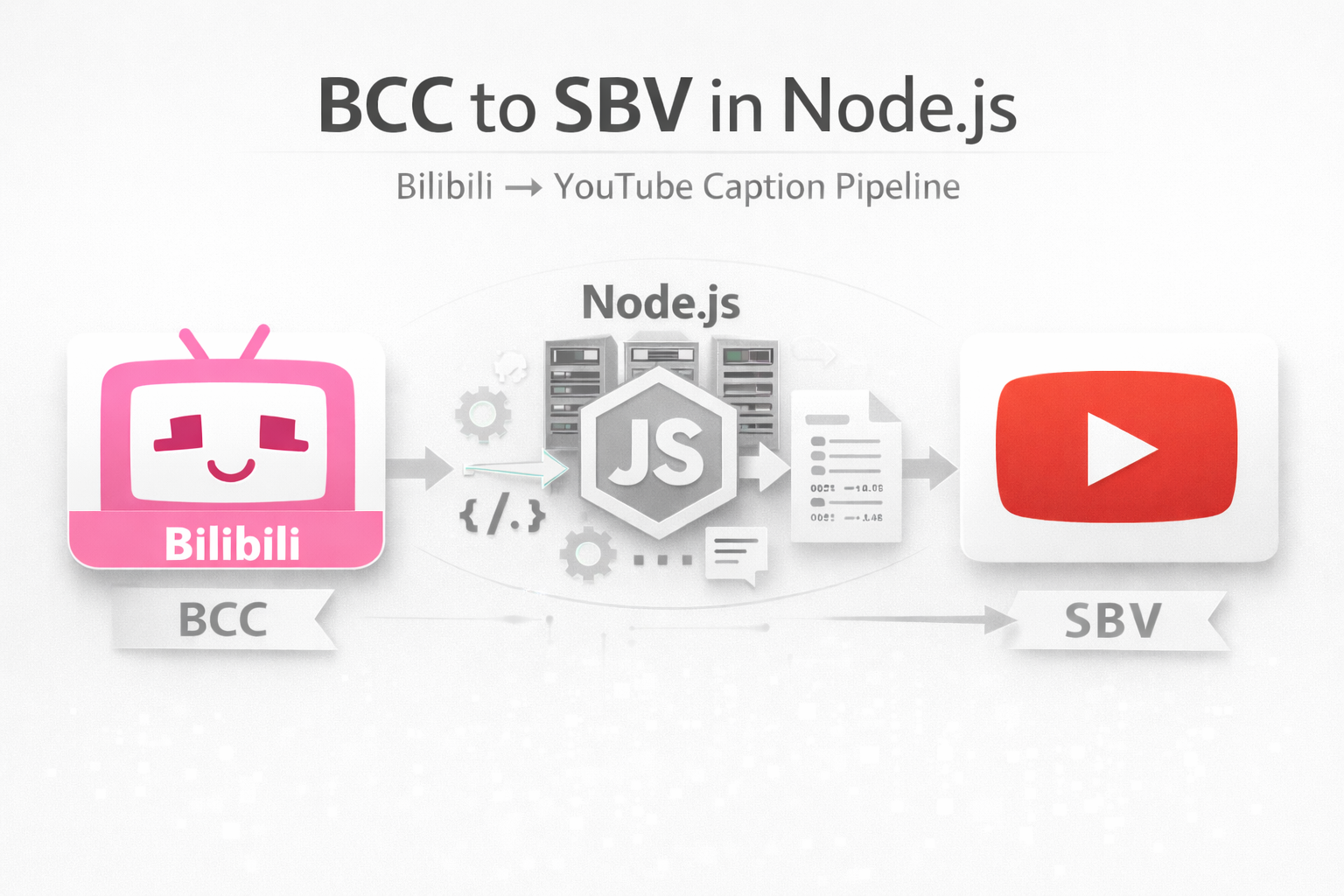
BCC to SBV in Node: Bilibili → YouTube Caption Pipeline
I built a public SEO audit tool with Node, shipped it online, and only then realized something embarrassing: what I used to call “beginner practice” was actually the wrong training ground. Once you’ve built a real decision engine, building tiny utility tools becomes five orders of magnitude easier.
1) The moment I realized: my “Node entry level” wasn’t entry level
I didn’t start learning Node by building a tiny calculator or a toy script. I started with a real problem: a decision-grade SEO judgment engine — the kind of system that has to be explainable, deterministic, and usable by strangers. Not a demo. Not a tutorial project.
After I shipped that tool online (as public infrastructure), something unexpected happened: every small utility task that used to feel “engineering-heavy” suddenly felt lightweight. Subtitle conversion. Text parsing. Format transforms. Small CLIs. They stopped looking like “projects” and started looking like maintenance.
That’s when it clicked: “Beginner practice” is often low-efficiency practice. It gives you syntax comfort, but it doesn’t upgrade your system instincts. The moment you’ve built an engine that must survive real-world inputs, your definition of “hard” changes permanently.
2) The real problem: YouTube captions kept failing me
I publish evergreen technical videos. Captions are not optional — they are distribution. But YouTube’s auto-captioning is unreliable for my videos (especially bilingual speech, pacing changes, or screen-demo-heavy segments). Sometimes it takes too long, sometimes it fails, sometimes it comes out unusable.
Meanwhile, Bilibili does something brutally practical: its AI subtitle recognition is fast, and the accuracy is consistently high for my recordings (I’ve seen ~95% usable accuracy within minutes).
So I stopped arguing with YouTube. I used Bilibili’s speed as the caption engine, then routed the output back into YouTube.
3) The hidden bottleneck: BCC is a niche format
Bilibili lets you download subtitles — but in a format called .bcc. It’s not mainstream. It’s not YouTube-friendly. And if you search for “free bcc to sbv converter”, you’ll find a depressing reality: most online tools are either broken, limited, or unsafe.
This is exactly the kind of situation where creators lose time forever: a small annoying format mismatch becomes a repeating tax.
So I did the NSE thing: I built my own converter once, then never paid that tax again.
4) The tool: a tiny Node CLI that converts BCC → SBV
The goal wasn’t “code elegance”. The goal was a stable pipeline: download BCC → run one command → get SBV → upload to YouTube.
This is the kind of tool that looks trivial — until you remember the real requirement: it has to survive messy inputs, timestamp variations, newline quirks, and edge cases. That’s why the converter is built around a few reliability rules:
- Normalize timestamps (seconds vs milliseconds, multiple timestamp shapes)
- Normalize newlines (avoid platform-specific line break issues)
- Generate stable SBV blocks that YouTube accepts consistently
The result: I can now do subtitle production without ever touching my editing timeline. CapCut stays pure editing. Subtitles are a separate pipeline.
5) The workflow: “CapCut editing does not touch captions”
This is the production pipeline I’m now standardizing:
- Edit video in CapCut (no captions, no manual timing)
- Upload to Bilibili (private/unlisted is fine)
- Wait a few minutes → download .bcc subtitles
- Open Terminal → run bcc2sbv → output .sbv
- Upload video to YouTube + attach SBV captions
The key insight is not “I used a tool”. The key insight is: I separated caption production from editing. Once separated, the system becomes automatable.
6) Chapters: using GPT as a timestamp assistant (not a decision maker)
YouTube also struggles with auto-chapters for my format. I could do it manually — but that’s again a repeating tax.
So I apply the same NSE principle: keep decision rights inside the system, outsource only the mechanical part.
Here’s the approach:
- Before editing, I already have a chapter outline (from the script / structure plan).
- I feed the finished SBV captions + my chapter outline into ChatGPT.
- I ask it to propose chapter timestamps that match my structure.
- I do a quick human correction pass for drift.
- Paste timestamps into YouTube description → done.
Notice what I’m doing here: I’m not letting the model “decide the structure”. I’m letting it do what it’s good at: scanning text, mapping patterns, and producing a draft. This is controlled reasoning in practice.
7) Why this matters (and why “small tools” suddenly became easy)
Building a public SEO audit tool forced me to learn the real layers of shipping: deployment paths, input validation, output stability, failure modes, and the mindset that the system must work for strangers, not just for me.
After that, building a subtitle converter felt like changing a light bulb. Not because the problem got “smaller”. But because my mental model got bigger.
This is why I’m suspicious of “beginner practice” that stays inside toy problems: it trains your hands, but not your ownership instincts.
8) NSE takeaway: build one engine, and you unlock a lifetime of leverage
The converter itself is not the point. The point is the compound effect:
- Once you own an execution environment (Node), you stop begging platforms to behave.
- Once you’ve shipped real infrastructure, you stop fearing small utilities.
- Once you separate systems into pipelines, automation becomes natural.
NSE is not “automation tips”. It’s how you turn small repeating annoyances into permanent capabilities.
Appendix: the minimal interface I want (so I will actually use it)
I deliberately designed the interface to be frictionless: the command should work in two situations:
- Run inside Downloads: convert the latest subtitle file immediately
- Drag-and-drop into Terminal: avoid typing long filenames
Because the best tool is not the most elegant one. The best tool is the one you actually run at 2AM when you’re exporting videos.